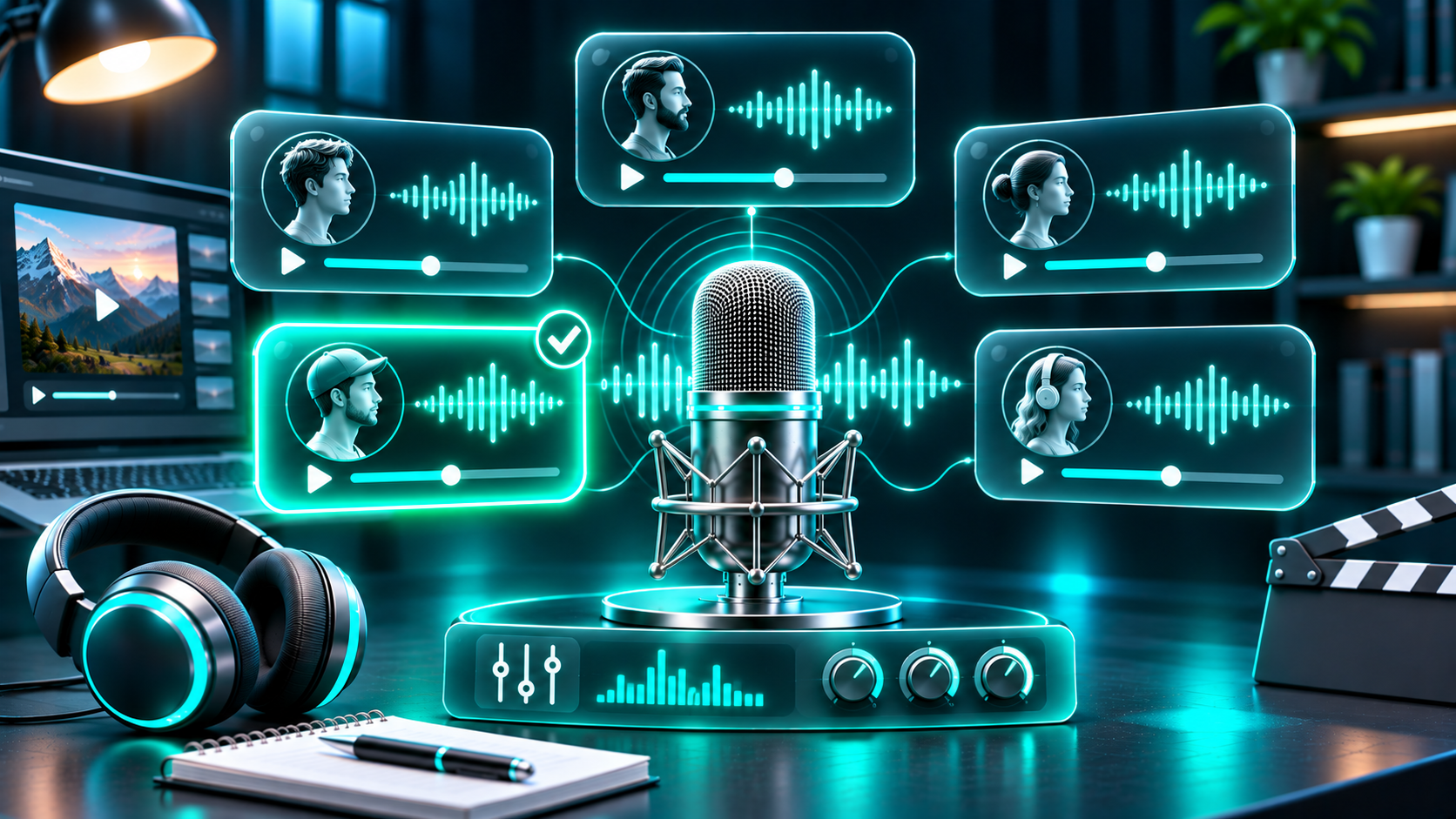
The best AI voice for a YouTube video isn’t necessarily the most realistic or expressive one. It’s the voice that helps your audience understand the message, suits the subject, and feels consistent from one video to the next.
A voice that works for a calm software tutorial may not fit a suspenseful story. A dramatic narrator can make a short intro engaging, but tiring if it stays at full intensity for ten minutes. Instead of choosing a voice based on a quick impression, test it with the script and audience you actually have.
This guide explains what to listen for, how to compare voices fairly, and how to choose a narration style you can use consistently.
What makes an AI voice work for YouTube?
A useful narration voice balances five qualities: clarity, tone, pacing, pronunciation, and consistency. The right balance depends on your channel. For example, a tutorial voice should make instructions easy to follow. A documentary-style voice may need more variation to guide the viewer through a story.
Clarity
The viewer should understand each sentence on the first listen. Listen for muddy consonants, swallowed word endings, and phrases that run together. Clarity matters especially when the script includes names, numbers, product terms, or technical language.
Tone
Tone is the impression a voice creates. It might sound warm, confident, curious, calm, or energetic. Choose a tone that supports the video instead of competing with it. A measured voice often suits a detailed explanation, while a more animated read can work for a lively story or short-form video.
Pacing
Pacing affects how much time viewers have to process an idea. A fast voice may sound efficient but can make instructions difficult to follow. A slow voice may feel thoughtful, but can lose momentum if every sentence has the same measured delivery. Listen for natural pauses around important ideas.
Pronunciation
A voice can sound polished and still mispronounce the words that matter most to your audience. Test names, acronyms, places, technical terms, and words from the language or dialect used in your videos. If a pronunciation is wrong, try rewriting the phrase or adding a phonetic spelling if the tool supports it.
Consistency
A channel benefits when its narration has a recognizable style. That doesn’t mean every video must sound identical. It means the voice, energy, and recording quality should feel like they belong to the same channel. If you switch voices, do it deliberately—for example, to distinguish a recurring series from another format.
Match the voice to your video format
Start with the viewer’s needs. Ask what kind of listening experience will help them stay focused and understand the topic.
Tutorials and software walkthroughs: Choose a clear, steady voice. Leave room between steps so viewers can follow along.
Education and explainers: Look for a balanced delivery with enough warmth to keep dense material approachable. Emphasize key terms without making every line sound dramatic.
Documentaries and history: A composed, story-friendly voice can support longer sections. Make sure it handles names and dates clearly.
Product reviews: Choose a conversational tone that sounds informative rather than like an advertisement. The script should support your opinion with specific examples.
Stories and entertainment: More expressive delivery may fit, but it should still be understandable. Use emphasis to support the story’s emotional changes, not to decorate every sentence.
Shorts and social clips: A more immediate delivery can help get to the point quickly. Keep the script concise and check that the pace remains comfortable on a phone.
These are starting points, not fixed rules. Your audience may respond better to a different style. Test choices with actual viewers and use audience feedback and retention data to refine the channel’s sound over time.
A simple method for comparing AI voices
It’s hard to compare two voices if each one reads different text. Use the same short script for every preview. Choose a passage that represents your real content and includes a few words that are difficult to pronounce.
A useful test script should include:
A typical sentence from your channel.
A question or sentence with a natural pause.
One or two names or technical terms you commonly use.
A number, date, or abbreviation if these appear in your videos.
A sentence with a change in emphasis or emotion.
For example:
“Today, we’re comparing three ways to organize a research project. First, save the source. Next, write down the claim it supports. Then add one note in your own words: why does this source matter? We’ll test the process with a report published on March 14, 2025.”
Listen to each version more than once. On the first listen, judge the overall fit. On the second, focus on pronunciation and pacing. If possible, listen through headphones and on a phone speaker. A voice that seems natural in headphones may become difficult to understand on a small speaker.
Use a short scorecard rather than relying on memory:
Clarity: Could I follow the sentence without replaying it?
Tone: Does the delivery suit this subject and audience?
Pacing: Are there enough pauses to understand each point?
Pronunciation: Are names, numbers, and specialist terms correct?
Variation: Does emphasis change naturally, or does every line sound the same?
Consistency: Could I listen to this voice across a full video or series?
Editability: Can I revise a sentence without making the narration feel mismatched?
You can score each item from 1 to 5, but don’t let the total score make the decision for you. A low score on a critical factor—such as pronunciation of a term used in every video—may matter more than a high score elsewhere.
Test the voice with your actual script
A voice preview is only a first filter. Once you have a shortlist, generate a longer sample using a representative section of your script. This reveals problems that a single sentence may not expose, such as a tone that becomes tiring or pacing that feels repetitive over time.
Use this workflow:
Select a 30–60 second section that reflects your usual writing and delivery needs.
Generate it with each voice you are considering, using the same text.
Listen for the qualities on your scorecard. Make a note of specific moments rather than writing “good” or “bad.”
Edit any awkward lines and test again. Better punctuation or simpler wording can improve the result.
Put the strongest sample into a rough video edit. Check whether the narration works with your visuals and background music.
Ask a few people from your intended audience which version is easiest to follow, and why.
If your text-to-speech tool includes controls for speed, expression, or emotion, change one setting at a time. That makes it easier to hear what each adjustment does. Don’t assume more expression is always better. The goal is a delivery that fits the material.
Try a voice in FlashTTS
FlashTTS provides a text-to-speech tool where you can enter text and generate a voice sample. Its product pages describe selecting a voice and creating audio from a script; the available options can depend on the current interface and plan.
To test a voice for your channel, open
FlashTTS Text to Speech, paste your comparison passage, choose an available voice, and generate a sample. Listen for the same qualities you used in your scorecard. If the voice is close but a phrase sounds awkward, adjust the script before regenerating it.
When you’re ready to produce a full video, generate manageable script sections so revisions are easier. Export options and usage terms may depend on your plan, so check the current
FlashTTS pricing and plan details before building a production workflow around a particular feature.
Suggested original media: Add a screenshot of your own FlashTTS voice-selection and preview workflow. You could also embed a short audio comparison in which the same original passage is read by two or three voices. Label the samples clearly and make sure you have permission to publish them.
Common voice-selection mistakes
Choosing only by “human realism”
Naturalness is useful, but it’s not the only goal. A voice can sound human and still be hard to understand, poorly matched to the topic, or tiring over a longer video. Judge the full listening experience.
Testing with a sentence that doesn’t sound like your content
A generic sample tells you little about how the voice handles your actual scripts. Use real material from your channel, but avoid including private information or text you don’t have the right to use.
Ignoring pronunciation
A mispronounced brand name or technical term can undermine an otherwise good narration. Add your recurring terms to a pronunciation checklist and listen for them in every final export.
Making every sentence dramatic
Frequent emphasis, strong emotional shifts, or exaggerated delivery can distract from the content. Use variation to guide attention. Let straightforward information sound straightforward.
Changing voices too often
Constantly switching the narrator can make a channel feel less coherent. If you want to experiment, compare the alternatives in a small test before changing the style across your whole library.
Skipping the final audio review
Always listen to the finished video, not just the generated file. Music, sound effects, edits, and visuals change the way narration feels. Check the final mix at a comfortable volume and make sure the voice remains clear.
Frequently asked questions
What is the best AI voice for YouTube?
There is no single best voice for every channel. Choose one that is clear, correctly pronounces your key terms, fits the subject, and remains comfortable to listen to over the length of your videos.
Should I use the same AI voice for every video?
A consistent voice can help create a recognizable channel identity. You can use different voices for distinct formats or characters, but make the change intentional and check that it doesn’t confuse viewers.
Is a deeper voice always better for narration?
No. Pitch is a personal preference, not a reliable measure of clarity or trust. Test different voices with your audience and focus on whether the delivery suits the topic and is easy to understand.
How long should my voice test be?
Start with a short sample to compare basic tone and pronunciation. Then test the leading option with a longer passage from your own script. A longer sample helps you notice pacing and consistency issues.
Can I use AI narration in monetized videos?
Your choice of narration voice is only one part of a video. Make sure your scripts and visuals add original value, and check the current platform policies and the text-to-speech service’s license terms before publishing commercially.
Choose for the listener, not the demo
A good AI voice should make the video easier to watch and the information easier to understand. Compare voices with the same script, listen for real-world pronunciation and pacing, and test your choice inside a rough edit before committing to it.
Ready to compare a sample? Try your own script with
FlashTTS Text to Speech, then review the available plan and export details before choosing a workflow.