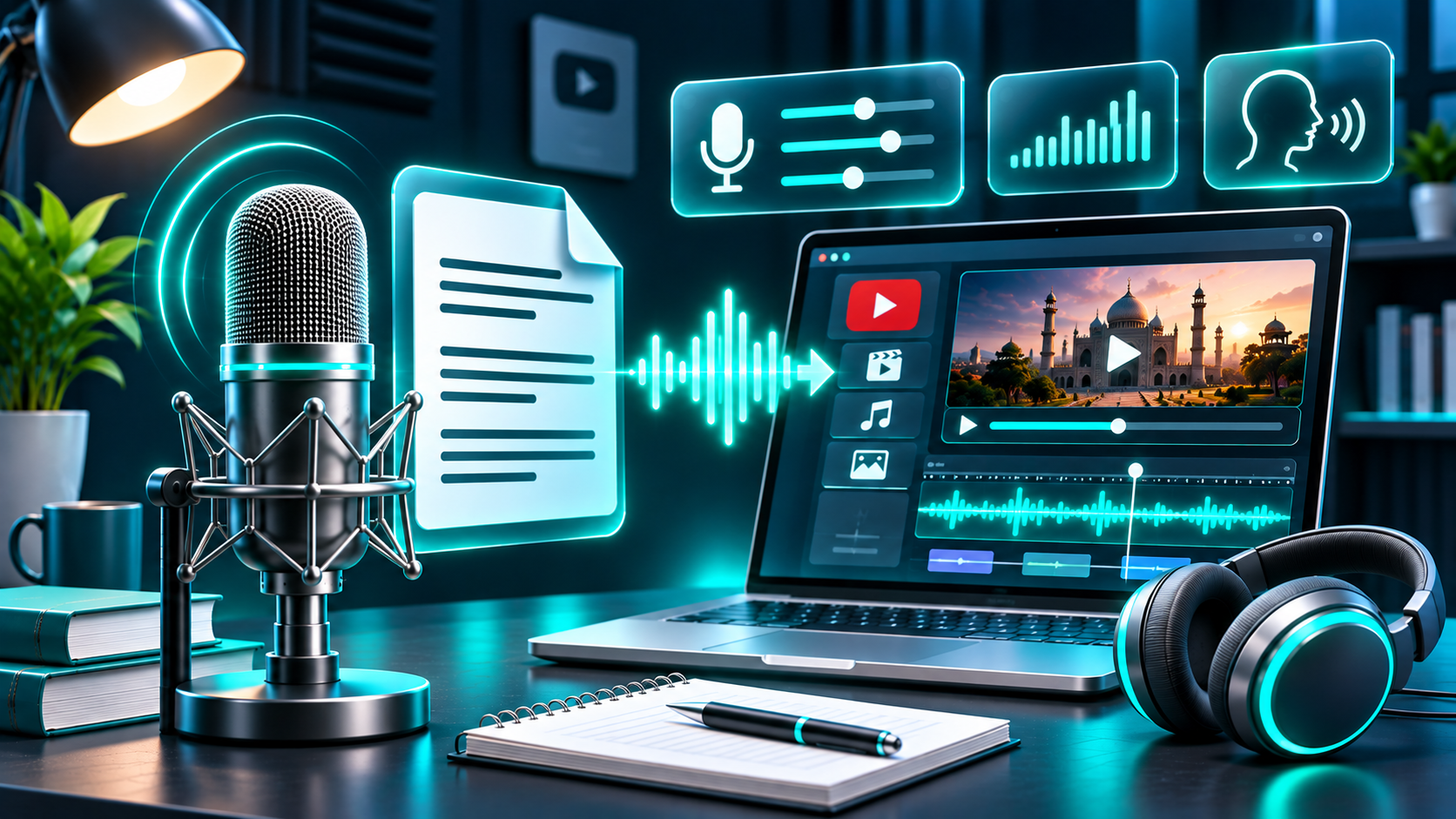
A good Hindi voiceover is more than a script read aloud. The wording has to sound natural, the names and numbers must be clear, and the finished audio should sit comfortably with the video. Captions and careful publishing details matter too—especially if you use synthetic narration.
This guide takes you from the first draft to the YouTube upload, with a review process you can repeat for tutorials, explainers, product videos, and Shorts.
1. Write for the ear, not the page
Start by deciding who the video is for and what they should understand or do by the end. Then write in the Hindi register your audience expects. A conversational explainer may use familiar everyday words; a formal lesson or public-information video may need more precise phrasing. Choose one approach and keep it consistent rather than switching between highly formal Hindi and casual Hinglish without a reason.
Read each sentence aloud as you draft. If you run out of breath, lose the subject, or need to reread a clause, split it. Voiceover listeners cannot scan back across a paragraph as easily as readers can. Use contractions and rhetorical questions only if they suit the channel’s style, and spell out abbreviations the first time they appear when the spoken form might be unclear.
Mark information that needs special treatment before recording: brand and person names, English technical terms, dates, currency, model numbers, and acronyms. Decide how each should be spoken. For example, should “AI” be read as English letter names or replaced with “कृत्रिम बुद्धिमत्ता”? Should “₹1,499” be spoken as a complete amount? Consistency is more important than choosing one universal convention.
A simple structure works for many videos: a one-sentence hook, a clear promise, three to five main points, and a short recap or next step. Keep the opening specific. “आज हम आपके फोन की बैटरी बचाने के तीन आसान तरीके देखेंगे” tells the audience more than “आज का वीडियो बहुत खास है.”
2. Choose a voice that fits the channel
Listen for intelligibility, warmth, pace, and a tone that suits the material. A calm, measured delivery may support a step-by-step lesson; a lively read may fit a quick product demonstration. Avoid choosing on timbre alone. A pleasing voice that blurs Hindi words or rushes through key instructions is a poor match.
If you are considering text-to-speech, verify Hindi explicitly in the tool’s current language selector before preparing a full project. FlashTTS’s public text-to-speech page describes a multilingual product, but its named examples do not explicitly confirm Hindi; do not infer Hindi availability from a language count or from an Urdu option. Check that the exact Hindi option accepts your intended script, then generate a short sample and listen before committing.
[Screenshot placeholder: Add a current, genuine screenshot of the FlashTTS language selector only after verifying that Hindi appears in the live interface.]
Make a private audition clip using a short, representative passage rather than a single greeting. Include a sentence with numbers, a proper noun, an English technical term, and a question. Compare candidates at the same volume and playback speed. Ask a Hindi-fluent reviewer—which may be you—to judge whether the voice sounds understandable and appropriate for this particular audience. Do not publish a sample as a product test unless it was actually generated and reviewed.
3. Run a Hindi pronunciation test before the full script
Before generating a long narration, build a small pronunciation checklist. Hindi has sound contrasts that can be difficult to evaluate from English spelling alone. For example, the dental and retroflex consonants represented by त/ट and द/ड are distinct, and aspirated consonants such as थ or भ need a stronger breath release than their unaspirated counterparts. The University of Texas at Austin’s Hindi resource provides audio and examples for these distinctions.
Test the phrases that matter in your script, not just isolated letters. Use a mix such as “तारीख़ और डेटा,” “दिल्ली से डाक,” and “पहला चरण.” Then add your own names, local place names, borrowed English words, and technical vocabulary. Check whether a number is read as intended, whether word endings are audible, and whether sentence breaks create odd emphasis.
If a word is misread, first try rewriting it in the supported script or adding punctuation and context. Some systems accept transliteration or pronunciation spellings, but this varies. Never assume a workaround is available: confirm it in the current interface, regenerate only the affected line, and listen to the revised audio in context. Keep a pronunciation list so recurring terms stay consistent across episodes.
4. Edit for clarity and pace
Generate or record in manageable sections, such as one idea or paragraph at a time. Short sections make it easier to replace a mispronounced name or retime one explanation without redoing the whole voice track. Keep a copy of the approved script alongside the audio so edits do not silently drift away from the words you intend to caption.
Trim long silences, accidental clicks, and distracting breaths, but leave enough space for the listener to absorb instructions. Listen once with the video, then once without looking at the screen. If a sentence only makes sense when its graphic is visible, add enough spoken context for an audio-only listener to follow it.
Set narration clearly above any background music. Use gentle fades and avoid music that competes with consonants or important numbers. If you use a track from YouTube’s Audio Library, check its license details; some Creative Commons tracks require attribution in the description. YouTube says Audio Library tracks are copyright-safe on YouTube, while it cannot vouch for music from other libraries or channels. For any outside music or sound effect, read the actual license and retain proof of permission. “Royalty-free” does not automatically mean unrestricted use, and a license does not guarantee that a claim will never occur.
Listen on headphones and an ordinary phone speaker before export. Check the opening, every transition, the last line, and any section with names or figures. Correct awkward pauses, clipped syllables, mismatched edits, and changes in loudness that pull attention away from the message.
5. Add and review Hindi captions
Captions help viewers who are deaf or hard of hearing, people watching with sound off, and people who prefer reading along. YouTube Studio lets creators add a language and upload, type, or otherwise add subtitles and captions. Treat captions as an edited transcript, not an afterthought.
Use the final spoken version as your source. Check Devanagari spelling, punctuation, names, numerals, and English terms. Keep each caption aligned with the audio and break it at a natural phrase. If your subtitle file contains Hindi text, YouTube recommends UTF-8 encoding for non-English transcripts to improve display accuracy.
Set the video’s original language to Hindi when that is the language actually spoken. YouTube says this setting helps it and contributors understand the original language, supports captions, and helps viewers find videos in their language. If the video is bilingual, choose the setting that best describes the main spoken language, then add the other language as a separate caption track where appropriate. Preview captions on a phone as well as a desktop screen.
6. Publish responsibly on YouTube
Synthetic narration is not, by itself, a promise of monetization or a substitute for original work. YouTube’s channel monetization guidance says eligible content should be original and authentic, and not mass-produced, generic, repetitive, or manipulative. It also says reused material needs significant transformation to make it the creator’s own. A useful voiceover supports original research, explanation, commentary, or storytelling; simply reading copied material over stock visuals can raise separate copyright and monetization concerns.
YouTube requires creators to disclose AI-generated or altered content that seems realistic in specified cases, including making a real person appear to say something they did not, altering a real event or place, or generating a realistic scene that did not happen. The disclosure is made during upload using the AI-use setting when the content meets the criteria. YouTube says disclosure alone does not limit a video’s audience or its eligibility to earn money. Review the current examples and select the setting honestly; an AI voice is not a reason to invent facts or mislead viewers about who is speaking.
Be especially careful with voice cloning. Do not imitate a recognizable person to imply that they endorsed, narrated, or authorized your video. YouTube’s impersonation policy prohibits unauthorized AI copying of a person’s voice or likeness when it misleads viewers about ownership or authorization, and it allows privacy complaints about non-consensual voice or likeness mimicry. Use only a voice you own or are authorized to use, and keep your use within any applicable consent, license, and local-law requirements.
Before publishing, check the title, description, thumbnail, language setting, captions, and any music credits. Make sure the title accurately describes the video and the description includes required attributions. If you used generated narration in a way that meets YouTube’s disclosure criteria, complete the upload disclosure rather than relying on a note in the description.
A practical pre-publish checklist
Read the script aloud and settle how names, numbers, and English terms should be spoken.
Confirm Hindi support in the current voice tool interface; make and review a representative sample.
Check difficult Hindi sounds and ask a fluent reviewer to assess uncertain words.
Edit the full voice track against the visuals, then review it on headphones and a phone speaker.
Add and proofread Hindi captions; use UTF-8 for a non-English transcript file.
Confirm permissions for every music, clip, image, and voice you did not create.
Set the correct spoken-language metadata and complete any required AI-use disclosure.
FAQs
Can I use an AI-generated Hindi voiceover on YouTube?
YouTube’s cited rules focus on content that is realistic or meaningfully altered in ways that meet the disclosure criteria, and on whether the channel’s work is original and authentic. Check the current policy examples for your specific video and complete the upload disclosure if required.
Does FlashTTS support Hindi?
The public FlashTTS text-to-speech page I reviewed does not explicitly name Hindi among its language examples. Check the current language selector and test a short Devanagari sample before relying on it.
Is Urdu the same as Hindi for a voiceover tool?
Do not treat one selector label as proof of support for another. Confirm that the exact language and writing system you plan to use are available, then test the actual words, names, and script you need.
Can I use a celebrity-style cloned voice?
Do not use an unauthorized voice imitation to make viewers think a real person participated or approved the video. YouTube prohibits misleading unauthorized AI voice copying under its impersonation policy.
Will captions fix unclear narration?
Captions can help viewers follow the words, but they cannot make a mispronounced name or confusing sentence sound clear. Correct the audio and transcript together, then check that the captions match the final version.
Try a short voiceover sample
If you are comparing voiceover workflows, start with a short excerpt instead of your entire script. You can explore FlashTTS’s
text-to-speech page, check the current language selector, and evaluate a representative sample before deciding whether it fits your Hindi project.