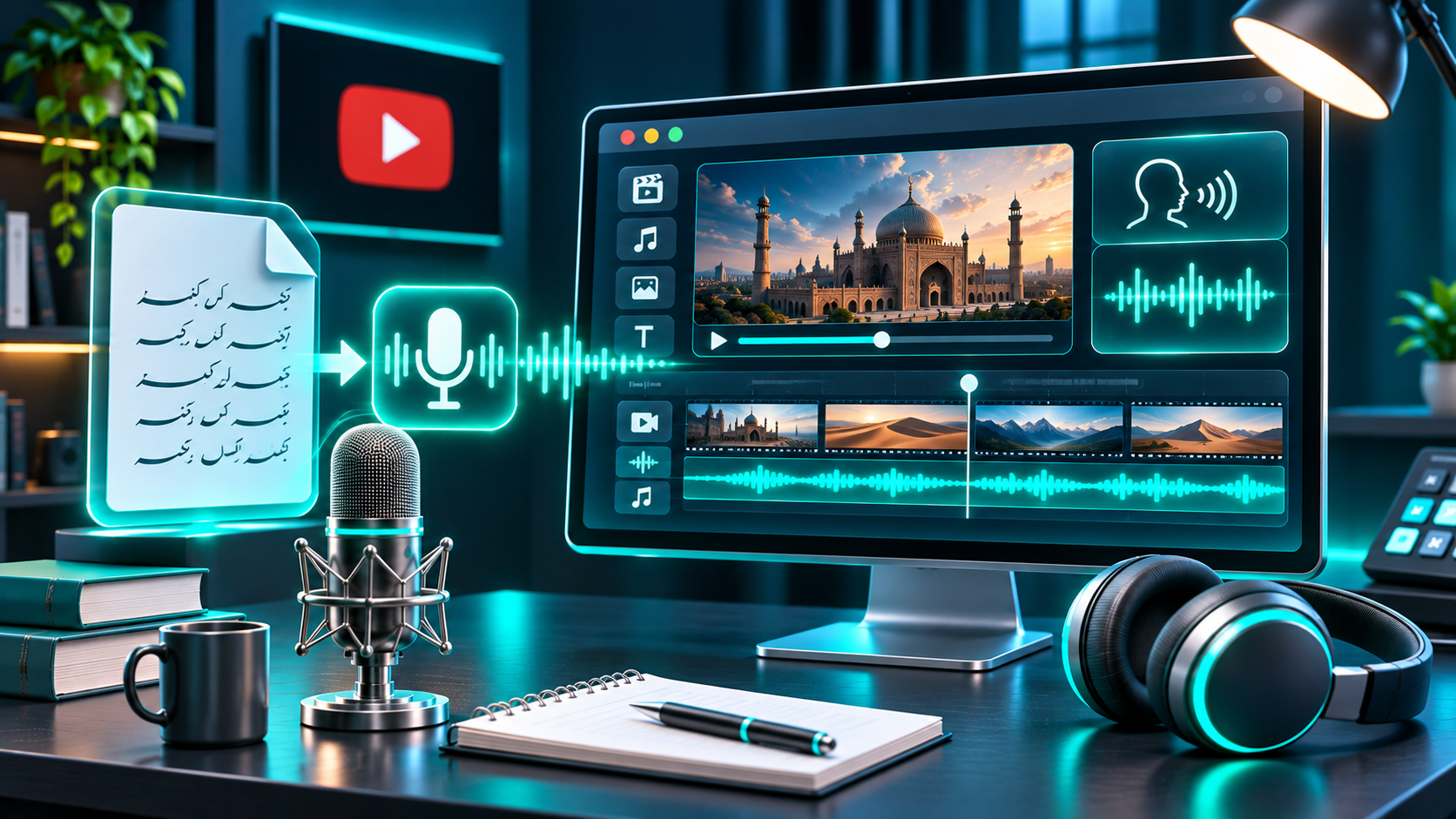
You can publish an Urdu YouTube video without speaking into a microphone. The workflow is to research a useful topic, write and review an Urdu script, generate narration with a text-to-speech (TTS) service that explicitly supports Urdu, then build visuals, subtitles, and an edit around that audio.
The key is not to treat automation as a substitute for editorial work. You still need to check facts, listen for pronunciation errors, make the video your own, and use assets you have rights to publish. Here is a practical start-to-finish process.
1. Choose a narrow, researchable idea
Begin with a question a viewer can understand at a glance: “How does a solar panel work?”, “What should you pack for a first trip to Lahore?”, or “Why do Urdu words change in formal writing?” A focused question is easier to research and explain than a broad theme such as “science.”
Identify the intended viewer and one thing they should understand by the end. Gather information from reliable sources that fit the topic, such as official guidance, original research, or recognized educational sources. Verify names, dates, numbers, and claims against primary sources rather than repeating an unsourced social post or another creator’s script.
For example, a video about preparing for a trip could cover documents, packing, and arrival planning. That sequence gives the narration a clear progression and suggests visuals before you edit.
2. Write for spoken Urdu
Choose the register your audience expects: conversational Urdu, more formal Urdu, or a carefully explained mix. Urdu and Hindi share much everyday speech, but use different scripts and can diverge in formal vocabulary; do not assume a Hindi script or voice is an Urdu substitute.
Urdu is written right to left in the Perso-Arabic Nastaliq script. That affects on-screen text and subtitles as well as voice selection. If your audience commonly uses Roman Urdu, decide deliberately whether to offer it as an additional aid. Avoid switching spellings unpredictably within narration or captions.
Keep sentences relatively short. Spell out abbreviations that a voice engine might read letter by letter. Write names, dates, units, and numbers so the intended pronunciation is clear. If a word could be read in more than one way, restructure the sentence or use pronunciation controls if available. A useful structure is an opening question, a brief promise, three to five explanatory points, and a concise recap.
Keep source links and qualifications in your notes. Before generating the full narration, ask a fluent Urdu reader to check grammar, natural phrasing, and pronunciation—especially for technical terms and regional names.
3. Verify Urdu support in the TTS tool
Do not infer Urdu support from a product’s name, a generic “multilingual” claim, or a testimonial. Look for Urdu explicitly in the current language or voice selector. Check that the tool accepts Urdu-script text, not only Romanized Urdu, and generate a short sample before preparing the whole video. Listen for pronunciation, rhythm, and whether the voice suits your chosen register.
Test a greeting, a proper name, a number, and a sentence with vocabulary from the planned video. If the voice is not intelligible or the interface does not clearly offer Urdu, try another service rather than forcing the script through an unsupported language setting. Generate in manageable sections, then listen while following the script. Correct and regenerate problem passages; do not assume fluent-sounding audio is accurate. Keep the approved script and final audio together so later edits do not desynchronize captions.
FlashTTS has a public text-to-speech page, but the page I reviewed does not explicitly verify Urdu among its supported languages. Check the current interface and generate a short Urdu-script sample before relying on it for this workflow. You can
visit FlashTTS Text to Speech to inspect the current product page; do not assume Urdu availability unless the live selector confirms it.
[Original screenshot placeholder: Add a capture of the live TTS language selector and an Urdu-script test only after checking the current interface.]
4. Choose visuals that explain the narration
Make a shot list from the script. A sentence about a process may need a labeled diagram; a place or object may call for your own footage, a licensed clip, or an original graphic. Use screen recordings only when you have permission to show the material and have removed private information. Avoid unrelated stock footage: visuals should clarify the point or give viewers a meaningful change of scene.
For photos, clips, illustrations, and music made by someone else, check the license and keep a record of its terms and any required attribution. YouTube says crediting an owner does not itself grant permission, and even a few seconds of copyrighted material can lead to a copyright issue. Copyright exceptions differ by jurisdiction, so “educational” or “no infringement intended” is not automatic clearance.
5. Add and review Urdu subtitles
Create captions from the final narration, not an earlier script draft. Use Urdu script when that is what the video is spoken in, unless you have a specific reason to add Roman Urdu or English captions. Choose a caption tool or editor that can display right-to-left text correctly, then review the exported video for letter joining, punctuation order, line wrapping, clipping, and phone-screen readability.
Keep each caption visible long enough to read and break lines at natural pauses. Inspect lines that mix English words or numbers with Urdu. Correct timing and spelling manually after automatic transcription: captions can look plausible while still mishearing a name or dropping a word.
6. Edit and quality-check the export
Place the narration on the timeline first. Add visuals where they clarify a sentence, and balance music and effects so they do not compete with speech. Remove long gaps, repeated statements, and visuals that do not serve the explanation. Watch the full export once with sound and once with captions visible. Check the opening, audio levels, spelling, subtitle timing, and final frame.
Use original or properly licensed music and visual assets. YouTube lists permission, applicable Creative Commons terms, public domain, and YouTube Audio Library or Creator Music among possible routes for using copyrighted material, but says none guarantees that a claim or strike will never occur. Keep the license details and source records for assets you use.
7. Keep the video original and disclose AI when required
Using a synthetic narrator does not by itself make a video ineligible for monetization. YouTube expects monetized content to be original and authentic; its policy says content should not be mass-produced, generic, repetitive, or manipulative. Reviewers may consider a channel’s theme, most-viewed and newest videos, watch-time share, metadata, and About section. Give each upload original research, a distinct explanation, useful examples, and visuals that serve that topic. Replacing a few words in a template and publishing near-identical videos at scale risks looking repetitive under the policy.
AI disclosure is a separate question. YouTube requires disclosure for AI-generated or altered content that seems realistic, with examples including making a real person appear to say or do something they did not, altering real-event or real-place footage, generating a realistic scene that did not occur, or AI-generated music that is the main focus. Its guidance does not say that every ordinary TTS narration automatically requires disclosure. Assess the actual content; if it meets the criteria, use the “AI use” setting in Studio during upload. YouTube says disclosure alone does not limit audience or monetization eligibility, while repeated failures to disclose may lead to labels or penalties.
Do not clone or imitate a real person’s voice in a way that misleads viewers. Use only a voice you are authorized to use, and take particular care with recognizable people and endorsements. Synthetic narration does not remove the need to respect people’s rights or YouTube’s rules.
FAQs
Can I monetize an Urdu video narrated by AI?
AI narration alone is neither a guarantee of monetization nor a disqualification. YouTube reviews channels for original, authentic content and says repetitive or mass-produced videos may be ineligible. A video with original research, explanation, and useful editing better reflects those expectations than a minimally changed template.
Do I need to disclose every AI voice-over?
YouTube’s guidance requires disclosure when realistic AI-generated or altered content meets its stated examples. It does not say every TTS voice-over automatically requires disclosure. Check the specific video and current upload settings, and disclose when the policy applies.
What if my TTS tool supports Hindi but not Urdu?
Do not assume Hindi support means Urdu-script support. Urdu uses Nastaliq, while Hindi uses Devanagari, and formal vocabulary can differ. Find a service that explicitly lists Urdu, then test Urdu-script input and listen to the sample.
Can I use images or music if I credit the creator?
Credit is not a substitute for permission or a suitable license. Verify rights for each asset and keep the license information; YouTube says credit alone does not necessarily give you the right to use copyrighted material.
Making Urdu YouTube videos without recording your voice is a practical workflow, not a shortcut around research or quality control. Start with a focused script, verify Urdu support in the TTS tool, listen carefully, and build around clear, rights-aware visuals. Check YouTube’s current monetization and disclosure guidance when you upload.