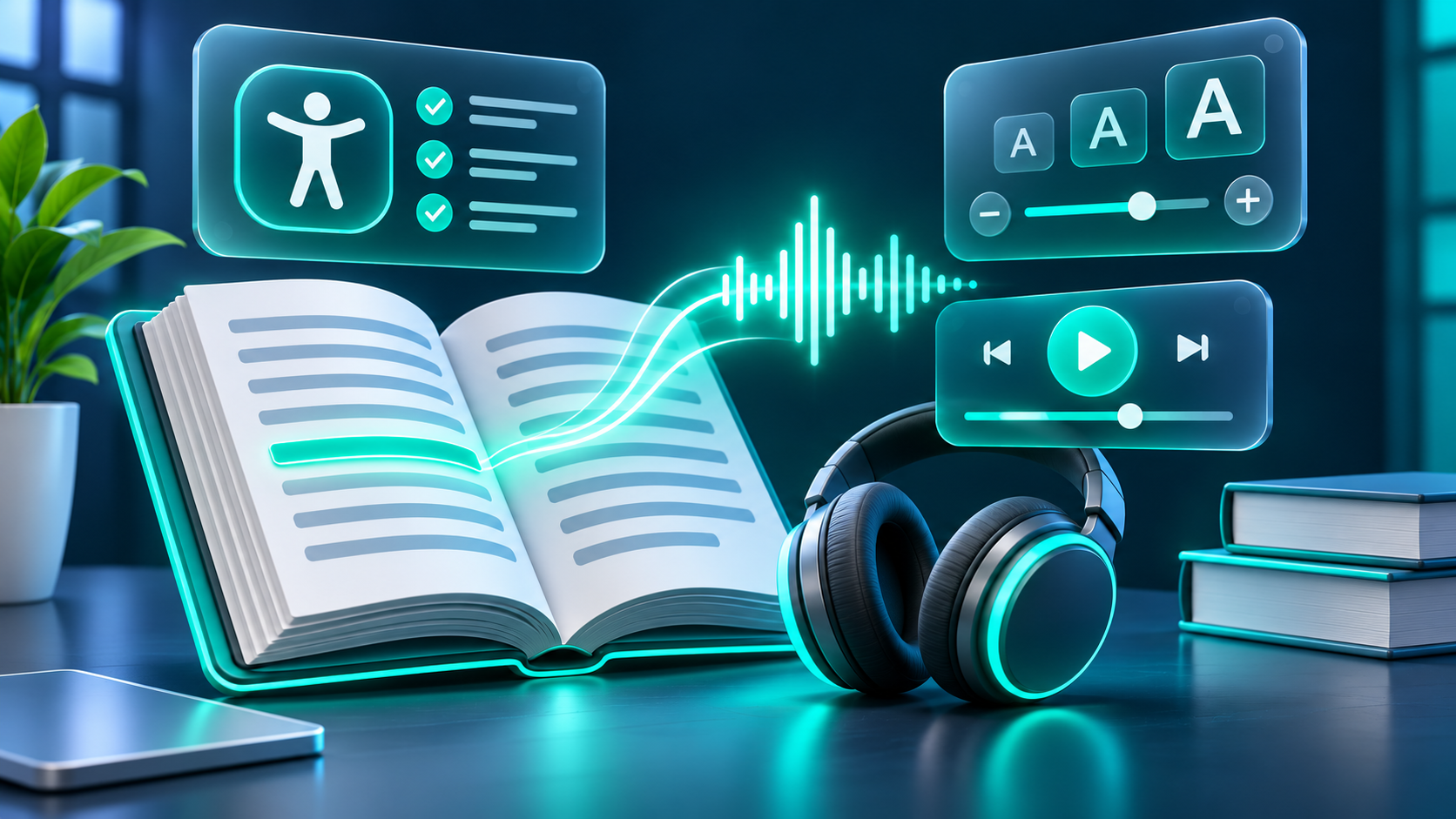
Text-to-speech (TTS) turns digital text into spoken audio. For some people with dyslexia and other reading needs, listening can be a useful way to access written information, alongside or instead of reading it visually in a particular moment. It is an option—not a cure, a diagnosis, or a universal solution.
A helpful way to approach TTS is to start with the person and the task. Someone might listen to a long email while following its highlighted text, hear a chapter before a class discussion, or replay a short set of instructions. The right setup depends on the reader’s preferences, the content, the device, and where they are using it. The International Dyslexia Association (IDA) emphasizes that there is no one-size-fits-all technology choice and recommends matching tools to the learner, environment, and task.
What TTS can—and cannot—do
TTS can provide another route into written material. The World Wide Web Consortium (W3C) notes that people with dyslexia and other cognitive or learning disabilities may use text-to-speech, sometimes with synchronized highlighting, to hear and see content together. Listening may be especially useful when a document is long, when reading is tiring, or when someone wants to review material while doing another low-attention activity.
That does not mean TTS will improve reading or comprehension for every listener. A person may find a synthetic voice distracting, prefer silent reading, need to switch between listening and looking at the words, or use TTS only for certain subjects. Audio can also make mistakes: names, abbreviations, specialist terms, and unusual spellings may be pronounced incorrectly. A reader who relies on the material should be able to pause, replay, or check the original text.
It also helps to distinguish access support from reading instruction. TTS can make text available in spoken form, but that is different from teaching foundational reading skills. IDA describes assistive technology as a way to support access and performance, and stresses that the tool should fit the individual and the task. TTS should not be presented as a replacement for appropriate literacy teaching, accommodations, or other support a person may need.
Choosing a setup that fits
A good first trial is a short, low-stakes piece of text. Let the reader control whether to use audio, how long to listen, and whether to follow along visually. If a setting becomes irritating or tiring, change it or turn it off. The goal is practical access, not maximizing minutes of listening.
Voice and pronunciation
Voice preference is personal. One listener may prefer a calm, even voice; another may find that voice flat or hard to follow. Try a few available options and listen to the same paragraph rather than judging from a sample sentence. Check whether the voice handles the language, names, and subject vocabulary in the text reasonably well. A clear, comfortable voice is often more useful than one that sounds especially lifelike.
Speed and control
Faster playback can save time, but it can also make a new or information-dense passage harder to follow. Start at a comfortable pace, then adjust in small steps. For example, a reader might listen to a familiar news update faster but slow down for science instructions, a new character name, or a paragraph with several unfamiliar terms. Easy pause, replay, and skip controls matter as much as a speed slider.
Highlighting and visual presentation
Some tools highlight a word or phrase as it is spoken. Others offer line focus, adjusted spacing, or changes to page color. These features are available in some products, not all. Microsoft’s current Immersive Reader guidance, for example, describes Read Aloud word highlighting, voice selection, speed adjustment, line focus, spacing, and page-color options in supported versions of Word. Availability and menus can vary by app, device, and version.
Highlighting may help some readers connect spoken words to the text, while others may find moving emphasis distracting. Test it with the user rather than assuming it is beneficial. Also check whether the highlight follows accurately and whether the text stays visible at a comfortable size.
Accessible content matters, too
TTS is only as useful as the text it can reach and interpret. A webpage with meaningful headings, paragraphs, lists, and text alternatives for important images is easier for assistive technologies to navigate than a page made of unstructured blocks or text embedded in images. W3C guidance explains that content must be coded properly for text-to-speech and screen-reader functionality to work as intended.
Scanned documents, locked files, complex tables, and images of text may not be readable by a TTS tool without an accessible text layer or reliable text recognition. If the voice skips sections or reads content in a confusing order, the source file may need an accessible version. WCAG 2.2 offers a shared accessibility standard, but W3C notes that guidelines do not address every need or combination of learning and cognitive disabilities. Conformance is valuable; it is not a promise that every person will find a page easy to use.
For writers and publishers, clear section headings, concise paragraphs, descriptive links, and straightforward instructions can make content easier to navigate. For readers, it is reasonable to ask for a tagged or accessible document if the one provided cannot be read properly. TTS should not be expected to compensate for inaccessible source material.
Privacy and practical checks
Before pasting text into an online service, check what the service says about submitted content, retention, deletion, account controls, and whether the content may be used to improve its systems. Avoid uploading private school records, personal correspondence, workplace material, or other sensitive text until you understand the policy and have any required permission. A built-in device feature and a cloud-based service may handle text differently; do not assume that either is offline or private without checking.
For a child, involve a parent or guardian and follow the school’s approved-app and data policies. In the United States, COPPA applies to certain online services that collect personal information from children under 13; the FTC’s guide describes the rule and its scope. This is a reason to check the service and context, not an assurance that every app used by a child is covered or compliant.
Practical considerations matter as well. Test the tool with the actual file format, device, and location where it will be used. Headphones may help in a shared space, while a quiet room or speaker could be more comfortable at home. Consider whether the person can access the tool independently, whether the relevant content is compatible, and what backup option is available if the service or connection is unavailable.
Keep choice at the center
Ask the person what helps and what does not. They may want TTS for lengthy articles but prefer printed text for short notes. They may listen to a passage first, then read it silently, or use audio only for a difficult section. These choices can change over time and between environments.
A useful trial looks beyond whether the audio plays. Does the reader want to use it again? Can they find the controls? Does it help them access the particular material, without adding a different barrier? A brief conversation after a real task is often more informative than selecting settings on someone else’s behalf. IDA’s assistive-technology guidance recommends considering the person’s strengths and preferences, the setting, and the task before choosing a tool.
If reading difficulty is persistent or is affecting school, work, or everyday tasks, TTS can be one item to discuss with a qualified literacy professional, school support team, or assistive-technology specialist. An individualized assessment can help clarify needs and consider options; a tool recommendation should not be inferred from a diagnosis alone. IDA describes evaluation, selection, customization, and training as possible parts of assistive-technology support for students. Adults can also seek individualized advice through appropriate education, workplace, or accessibility services.
Frequently asked questions
Is text-to-speech only for people with dyslexia?
No. People use spoken text for many reasons, including low vision, temporary difficulty reading, attention or fatigue, language learning, or simply a preference for listening. W3C describes TTS as useful to people with a range of access needs and to people who prefer audio in some situations.
Does TTS teach a person to read?
TTS reads text aloud; it is not, by itself, a reading lesson. Some reading tools include other features, but the presence of those features does not establish that they are an effective intervention. If the goal is to build reading skills, ask a qualified literacy professional about evidence-informed instruction as well as any needed access supports.
Should the words be highlighted while the voice reads?
Only if the reader finds it useful. Try synchronized highlighting with different text and voices, then let the user decide whether it improves the experience or creates distraction. Some products offer it; others do not.
What if a TTS tool cannot read a document?
Check whether the file contains selectable text, whether the tool supports its format, and whether the document is structured accessibly. If it is a scan or image-only file, ask the source for an accessible text version or use an approved text-recognition process. Poor reading order may come from the document rather than the listener.
Explore the right audio workflow
If you are looking for a way to generate spoken audio from text, you can
visit FlashTTS’s official text-to-speech page to review its current offering. FlashTTS presents this as a voice-generation tool; check its current workflow, terms, and privacy information before using it for personal, educational, or sensitive material. A voice generator may suit some audio workflows, while a reader who needs on-screen highlighting, document navigation, or a particular accommodation should confirm those features are available in the tool they choose.