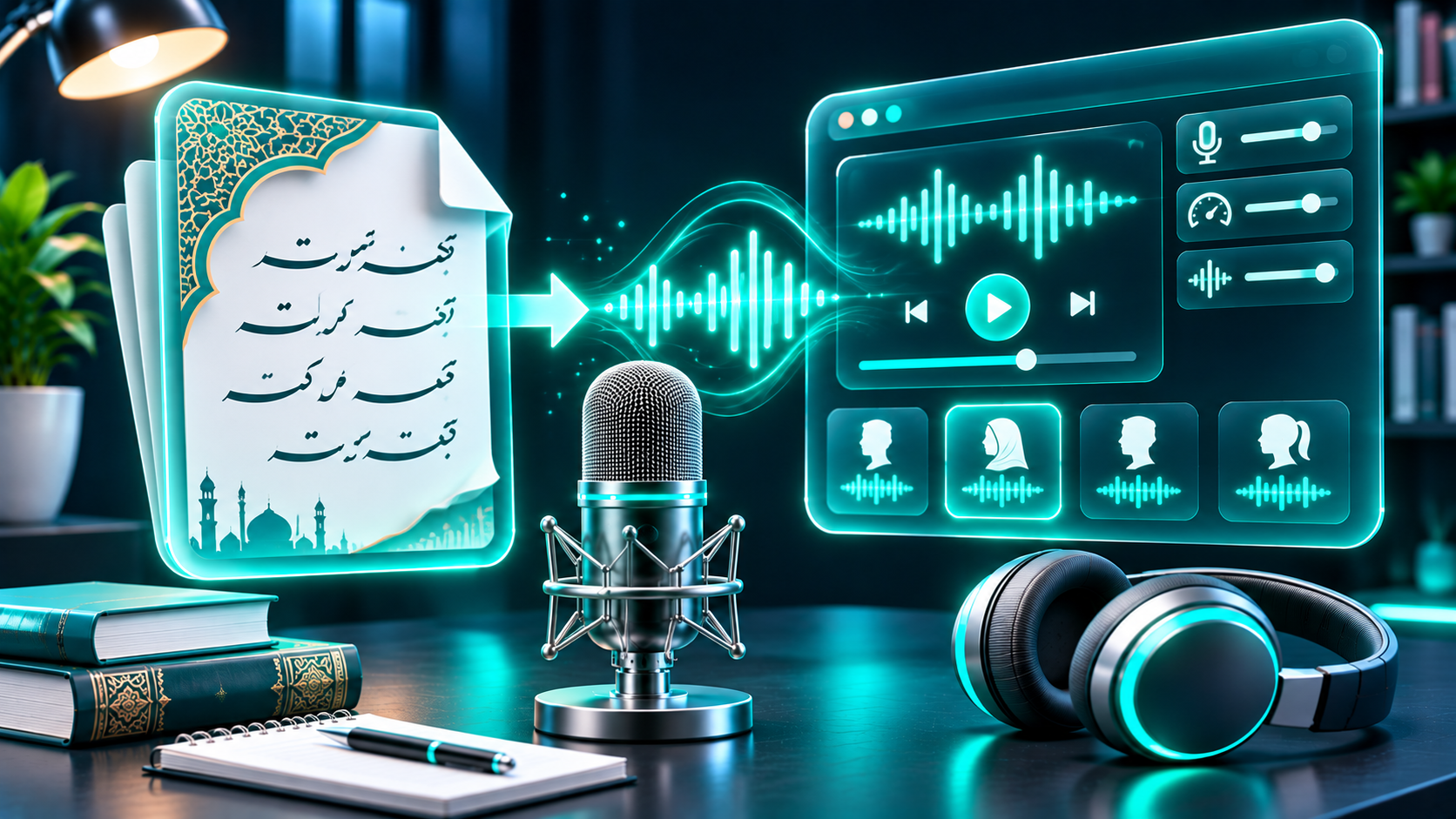
Urdu text to speech can turn a written script into narration for videos, lessons, accessibility, and audio content. The important first step is not choosing the voice that sounds most polished in a demo. It is confirming that the tool actually supports Urdu text, then listening for the words and names your audience will hear.
This guide compares what can be verified today, explains a practical Urdu TTS workflow, and flags the checks that matter before you export or publish.
Does FlashTTS support Urdu?
FlashTTS is worth checking if you want a browser-based text-to-speech workflow. Its public Text to Speech page advertises “29+ Global Languages,” but does not publish a current, explicit list that names Urdu. A testimonial on the homepage mentions Urdu, but a testimonial is not an authoritative language-support specification. That evidence is not enough to say Urdu is definitely supported.
Before entering a long script or paying for a plan, open the current FlashTTS voice or language selector and look for Urdu by name. Then paste a short Urdu-script sample and generate a preview. If the selector does not clearly offer Urdu, or the output reads the text as another language, treat Urdu support as unconfirmed and use a tool that lists Urdu explicitly.
**[Screenshot placeholder: Capture the current FlashTTS language/voice selector with Urdu visible, only if it appears in the live interface. Do not publish this placeholder as evidence of support.]
If you find Urdu in the selector, test it in the exact account tier and export flow you plan to use. Available voices, download formats, character limits, and license terms can vary by product and plan. Review the current interface and terms rather than assuming that a general language count or an older review applies.
A verified Urdu TTS option to compare
Cartesia’s official Urdu page explicitly offers Urdu text-to-speech, shows Urdu-script examples, and names sample voices Aryan and Zara. It describes a short on-page demo and directs users to its Playground for longer scripts and downloads, with an API option for developers.
To try it, play a sample voice, replace the example with a brief passage of your own Urdu, and listen before extending the script. For example, test a greeting such as السلام علیکم، آپ کیسے ہیں؟ and a sentence with one of your real names or place names. Cartesia says the demo accepts up to 500 characters; check the current Playground for its present limits and output choices.
That makes Cartesia a verifiable starting point, not an automatic winner. Voice quality is subjective, and a page listing “Urdu” does not guarantee the right accent, pacing, or pronunciation for every project. If you need an offline app, a specific regional style, or a particular audio format, confirm those details before committing. The Cartesia API documentation describes audio output settings for developers, while the Urdu page points non-developers to the Playground.
How to make Urdu speech sound right
Urdu is written in a modified Perso-Arabic script known as Nastaliq, while Hindi uses Devanagari. The languages are closely related in speech, but their writing systems are distinct. A tool that supports Hindi, Arabic, or a large number of languages has not therefore demonstrated Urdu-script TTS support.
Start with the text exactly as your audience expects to read it. Do not assume that Hindi written in Devanagari, Roman Urdu, Arabic text, and Urdu in its own script will be read alike. TTS generates speech from the text you supply; it does not automatically translate a script into Urdu.
For a reliable audition, use a short test script that includes:
A greeting or sentence with ordinary punctuation.
A person’s name and a local place name.
A borrowed word, brand name, or abbreviation that appears in your real content.
A date, number, price, or phone number in the format you intend to publish.
One longer sentence so you can hear pauses and phrasing, not just isolated words.
Listen to each item in context. Check whether words are recognized as Urdu rather than an adjacent language, whether names sound right, and whether numbers are read in the way your audience expects. For dates and prices, spelling out an ambiguous value in the form you want spoken can help you compare the result. If possible, ask a fluent Urdu speaker familiar with your target audience to review the sample. A clean-sounding voice can still mispronounce an important name or change the meaning of a line.
**[Audio-sample placeholder: Add short, permission-cleared Urdu sample clips generated from the same test passage in the tools being compared. Label voice, script, and date; do not imply a comparison was performed until it has been recorded and reviewed.]
A simple Urdu TTS workflow
Choose the target voice and writing system. Select Urdu explicitly if it is offered. Choose Urdu script for Urdu-script content; do not switch to Hindi or Arabic just because those language names appear in the menu.
Prepare a short sample. Use a representative passage with names, numbers, and borrowed terms. Fix spelling and punctuation before comparing voices.
Generate and listen. Preview the same sample with each candidate voice. Listen on headphones and a phone speaker, and replay questionable words. Ask a fluent reviewer to check pronunciation and naturalness.
Revise one issue at a time. Try changing punctuation, adding a pause through sentence structure, or writing an ambiguous number more explicitly. Keep a note of changes so you know which version improved the result.
Export a short final test. Check that the downloaded file opens, plays cleanly, and matches your editing software or delivery platform. Confirm the actual file type, sample rate, and length rather than relying on a promotional description.
Review the license before release. Read the current plan terms for commercial use, attribution, output restrictions, and any conditions for client work, advertising, or audiobooks. Save a copy of the relevant terms and plan details for your records.
Copyright, monetization, disclosure, and voice cloning
A TTS subscription does not give you rights to every text you convert. Use scripts you wrote, licensed material, or text you have permission to adapt. Also check the tool’s terms for rights to generated audio and the plan you use. Cartesia, for example, says commercial use of outputs depends on whether the subscription tier expressly permits it; its terms also require users to have the necessary rights for their inputs. Do not assume a free preview and a paid export have identical permissions.
If you publish on YouTube, AI narration alone does not determine monetization eligibility. YouTube says monetized channels should be original and authentic, and that repetitive or mass-produced content may be ineligible. Its separate disclosure policy requires a disclosure for AI-generated or altered content that seems realistic in specified cases, including making a real person appear to say something they did not. Review the platform’s current examples for your finished video; the disclosure rule is not a blanket instruction to label every ordinary synthetic narration.
Voice cloning needs extra care. Use only your own voice or a voice for which you have explicit permission, and make sure that permission covers the intended use. Cartesia’s acceptable-use policy prohibits impersonation and says recordings of other people require explicit consent. For any service, verify its current cloning safeguards and terms before uploading audio. Never use a synthetic voice to mislead listeners about who is speaking.
FAQs
Can I paste Urdu text directly into a TTS tool?
Yes, when that tool explicitly supports Urdu. Paste a short sample in Urdu script first and listen to the output. If Urdu is not named in the current language selector or official documentation, test carefully or choose a verified Urdu option rather than inferring support from a Hindi or Arabic label.
Is Urdu TTS the same as Hindi TTS?
No. Urdu and Hindi are closely related, but they use different writing systems: Nastaliq for Urdu and Devanagari for Hindi. A Hindi voice may not accept or pronounce Urdu-script text as intended.
Which voice is best for Urdu narration?
There is no single best voice for every audience. Compare the same sample across available Urdu voices, check names and numbers, and get a fluent reviewer’s opinion. Choose the voice that suits your audience and use case, not just the one with the most expressive demo.
Can I monetize videos made with AI Urdu narration?
Possibly, but an AI voice does not guarantee monetization. Make original content, follow the platform’s monetization rules, secure rights to source material and the generated audio, and disclose realistic AI-generated or altered content when the platform requires it.
Try FlashTTS with a short sample
If Urdu appears in the current FlashTTS language selector, use a short Urdu-script sample to check pronunciation and export options before building a full narration around it. If Urdu is not clearly listed, keep support unconfirmed and compare against Cartesia’s official Urdu page.